AI Kitchen Design From Your Photo
Upload one kitchen photo and compare realistic AI kitchen design styles before spending money on cabinets, materials, or contractors.
- One free preview after sign-up
- No floor plan required
- Balanced keeps your layout recognizable
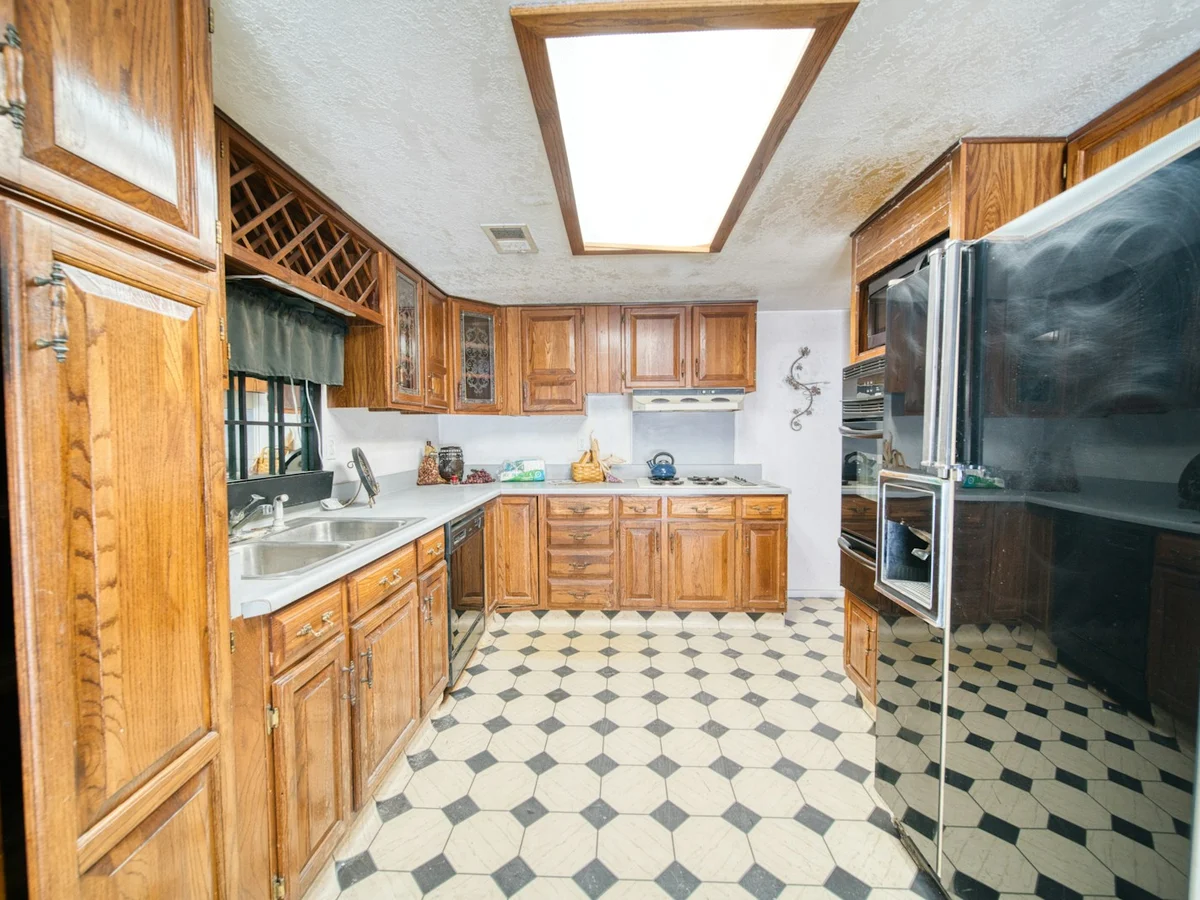
Swipe the preview or tap a card below to switch styles
Try AI kitchen design on your own photo
Upload a kitchen photo, choose a style and how much to change, then generate an AI kitchen design preview.
Upload your kitchen
Pick a kitchen style
Settings
Generate preview
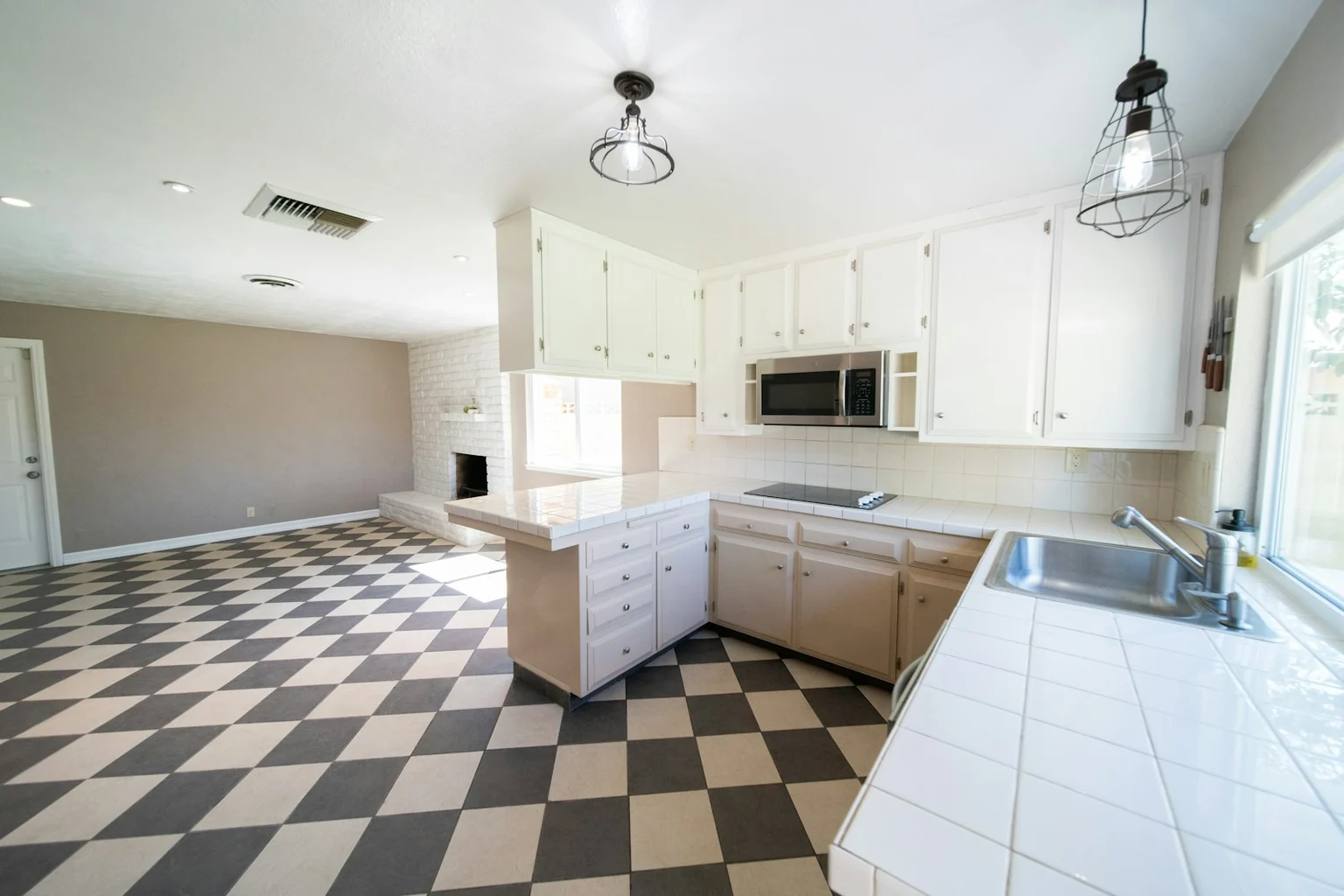
Modern style·Handle-less cabinets, matte neutrals, linear lighting
Same Kitchen, Different Styles
Compare eight style directions on the same source kitchen, so you can focus on the look instead of differences between rooms.
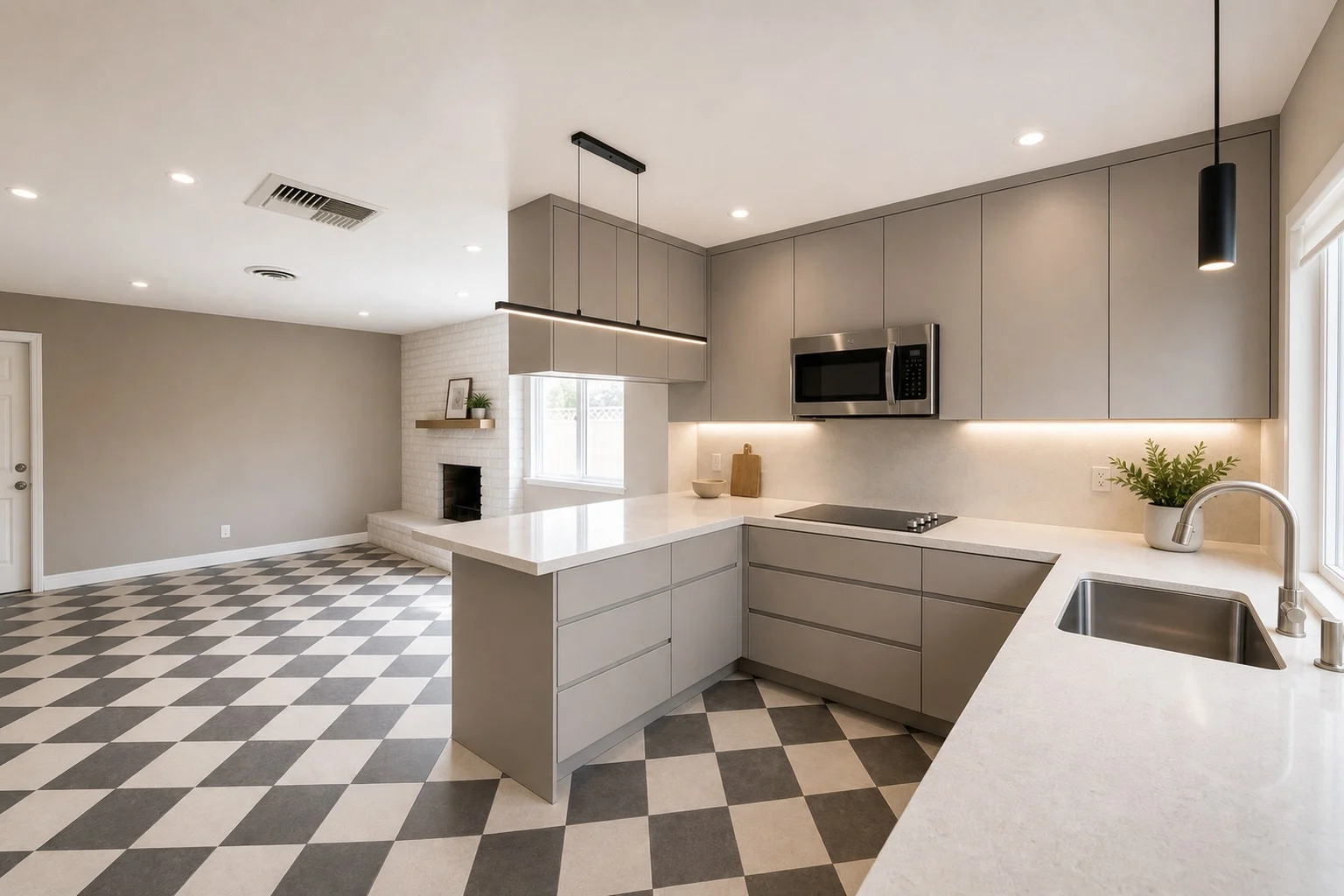
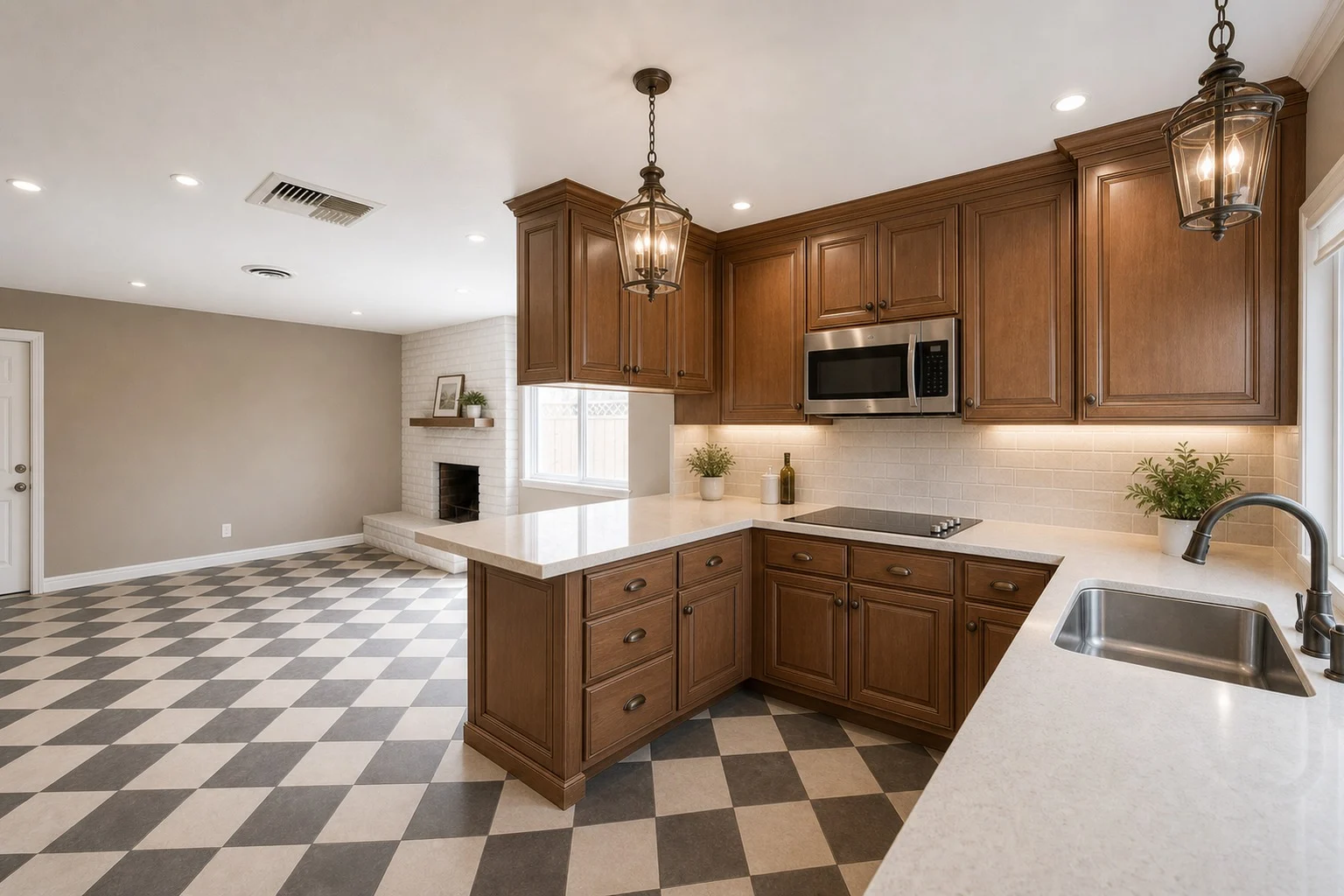
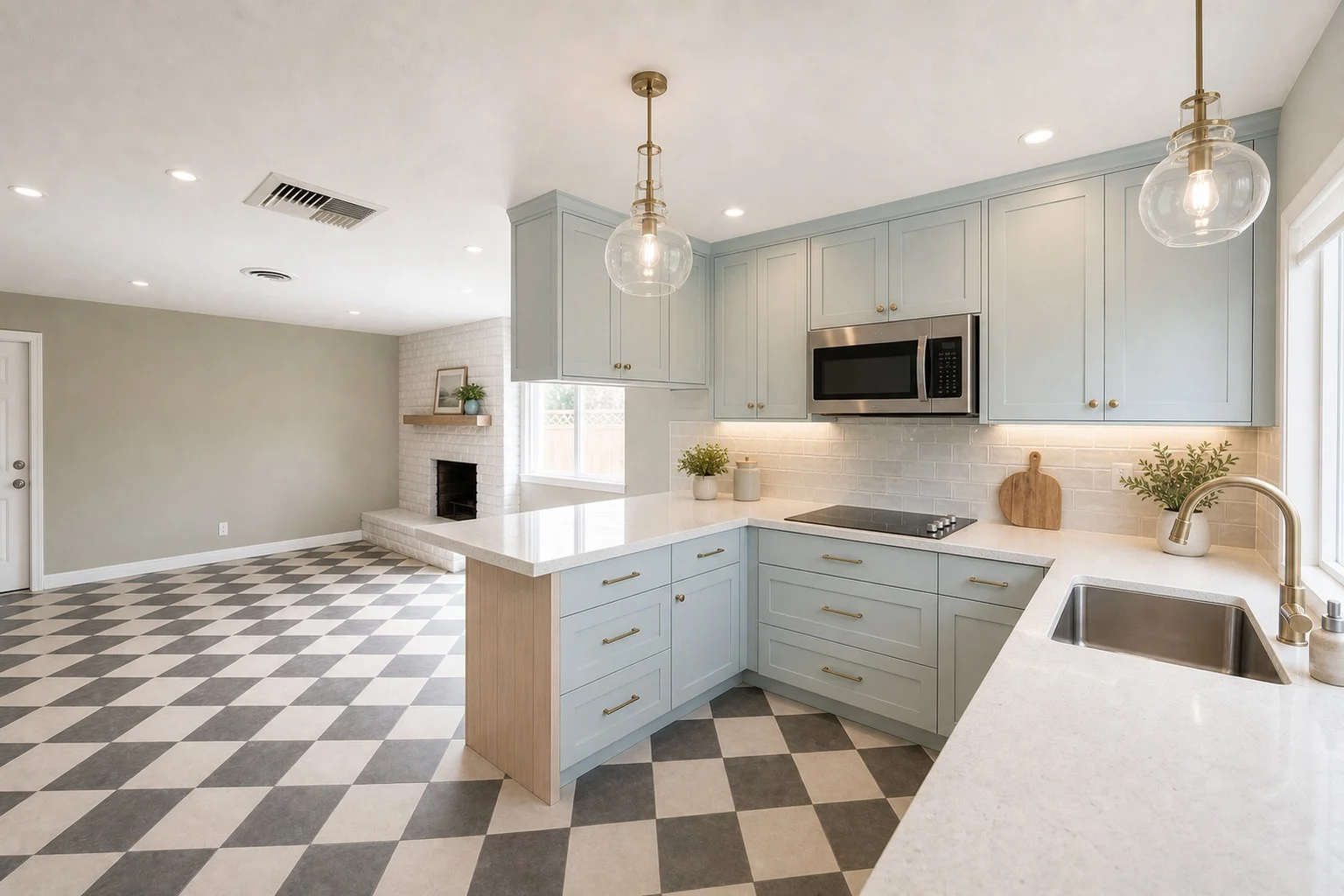
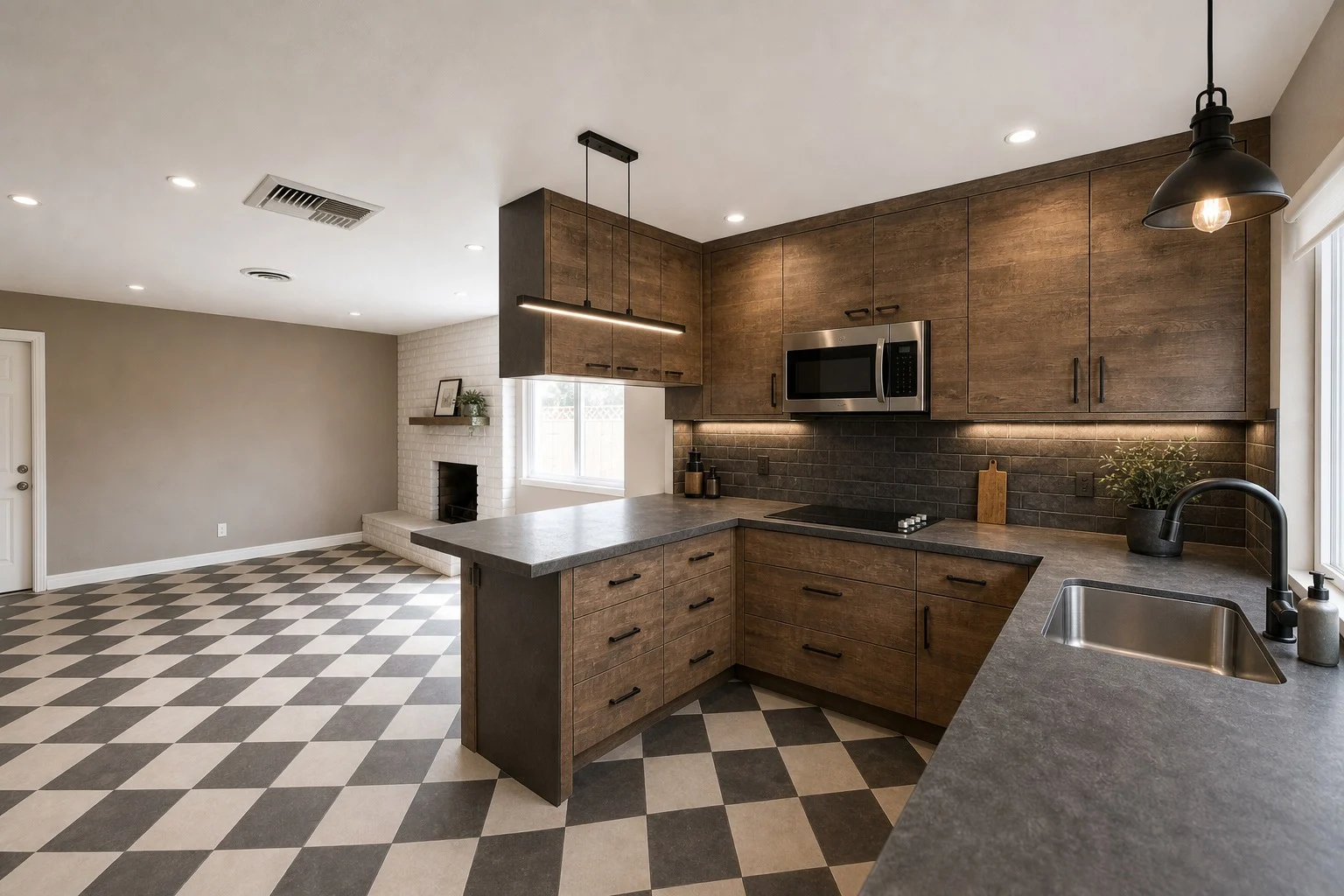
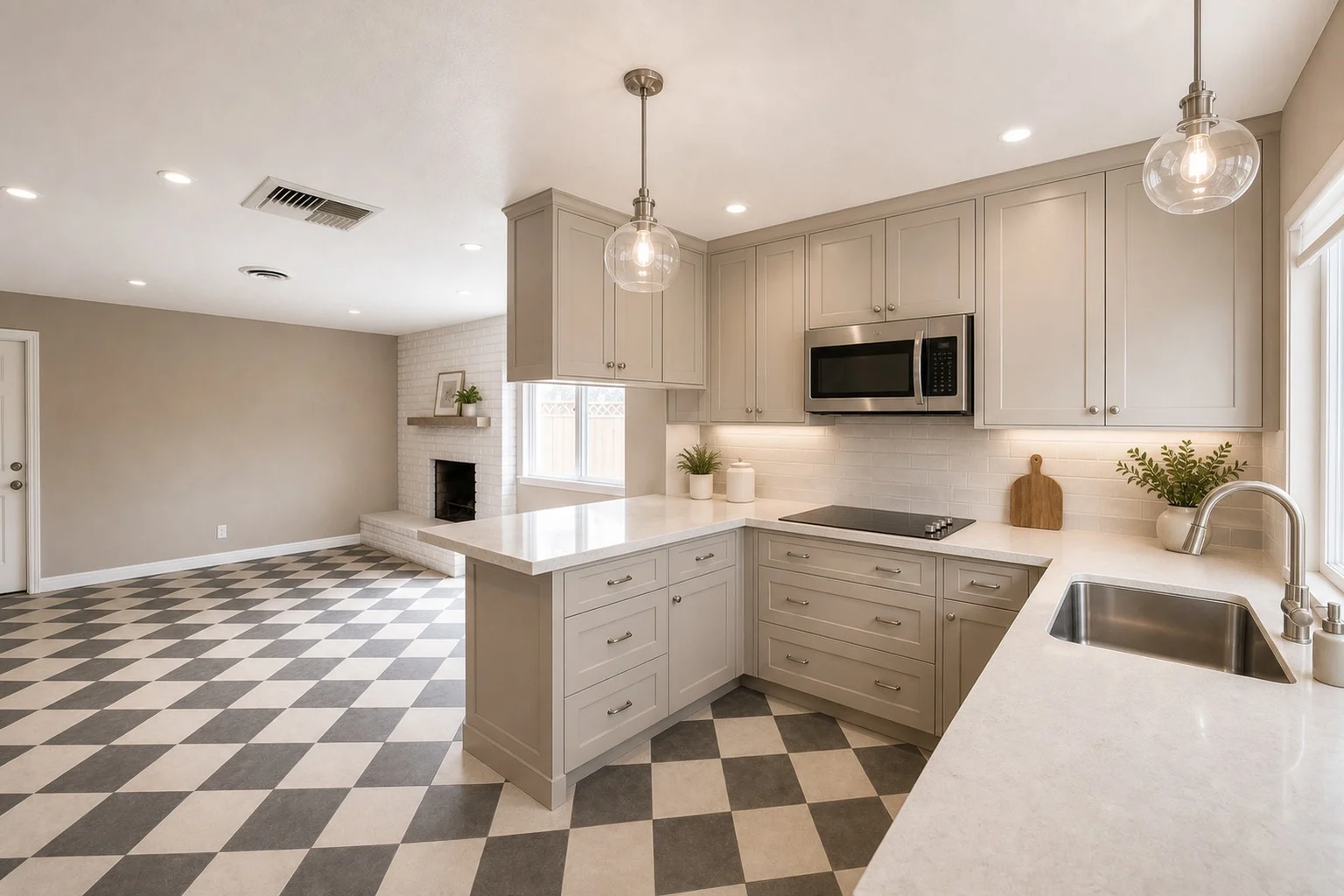
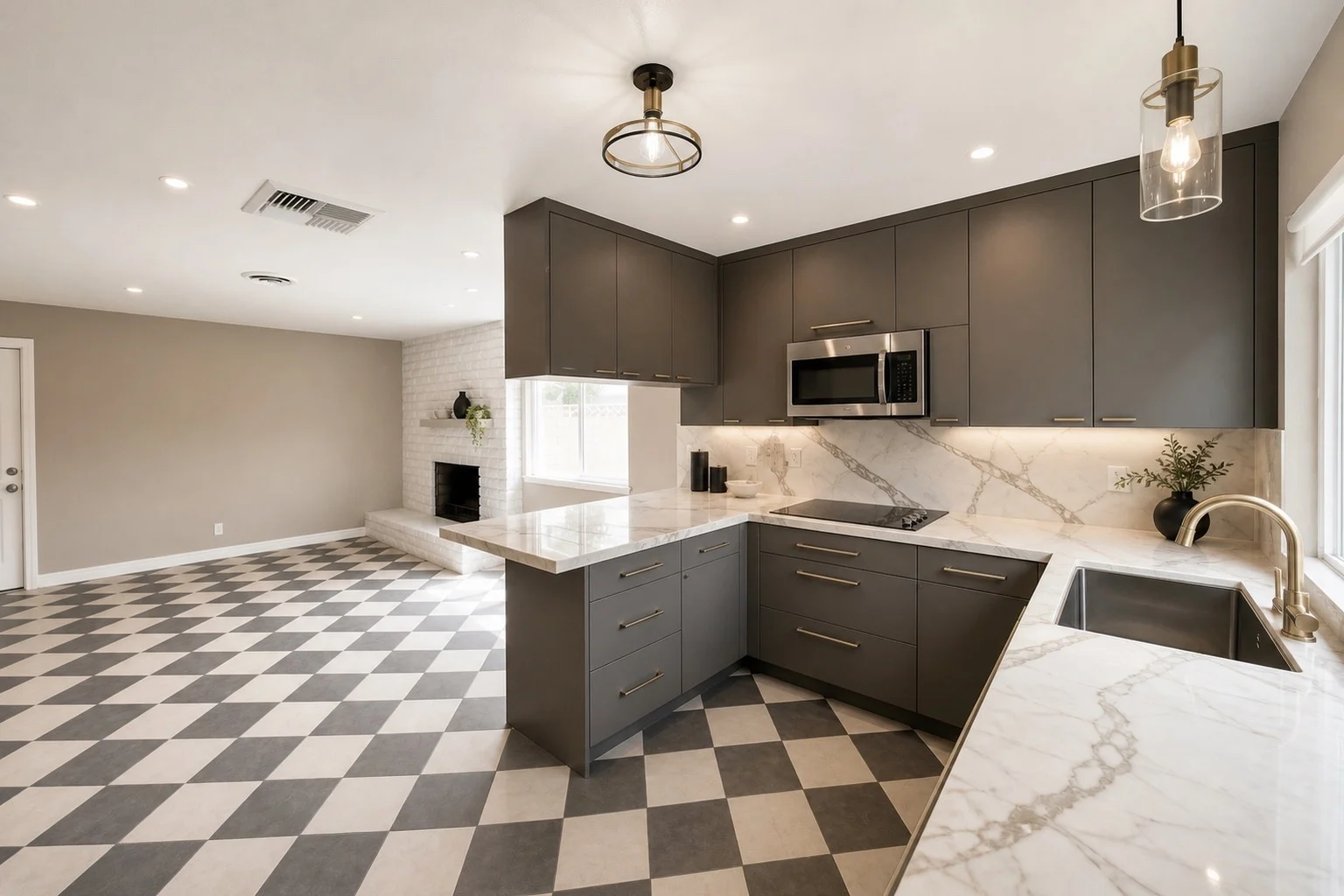
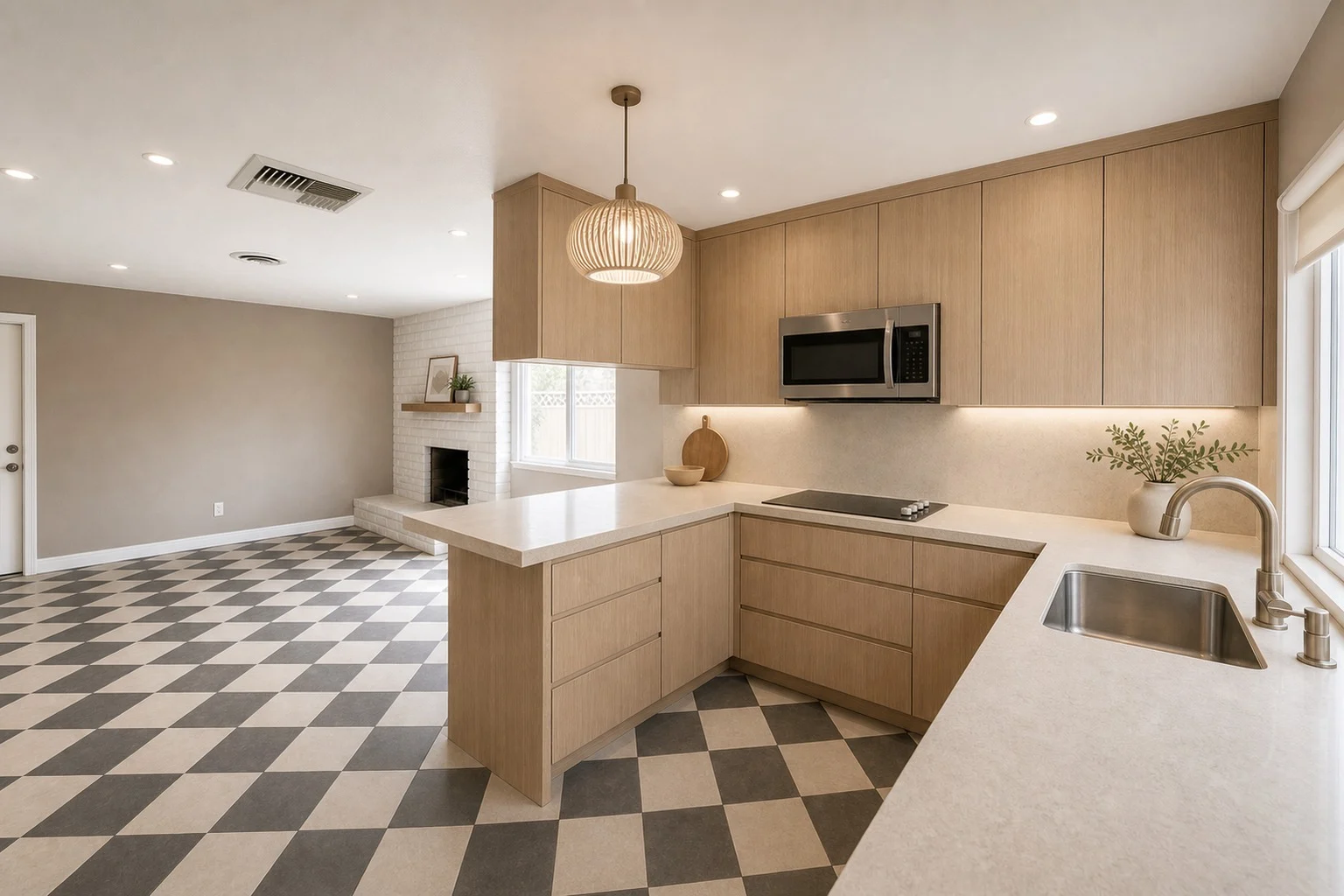
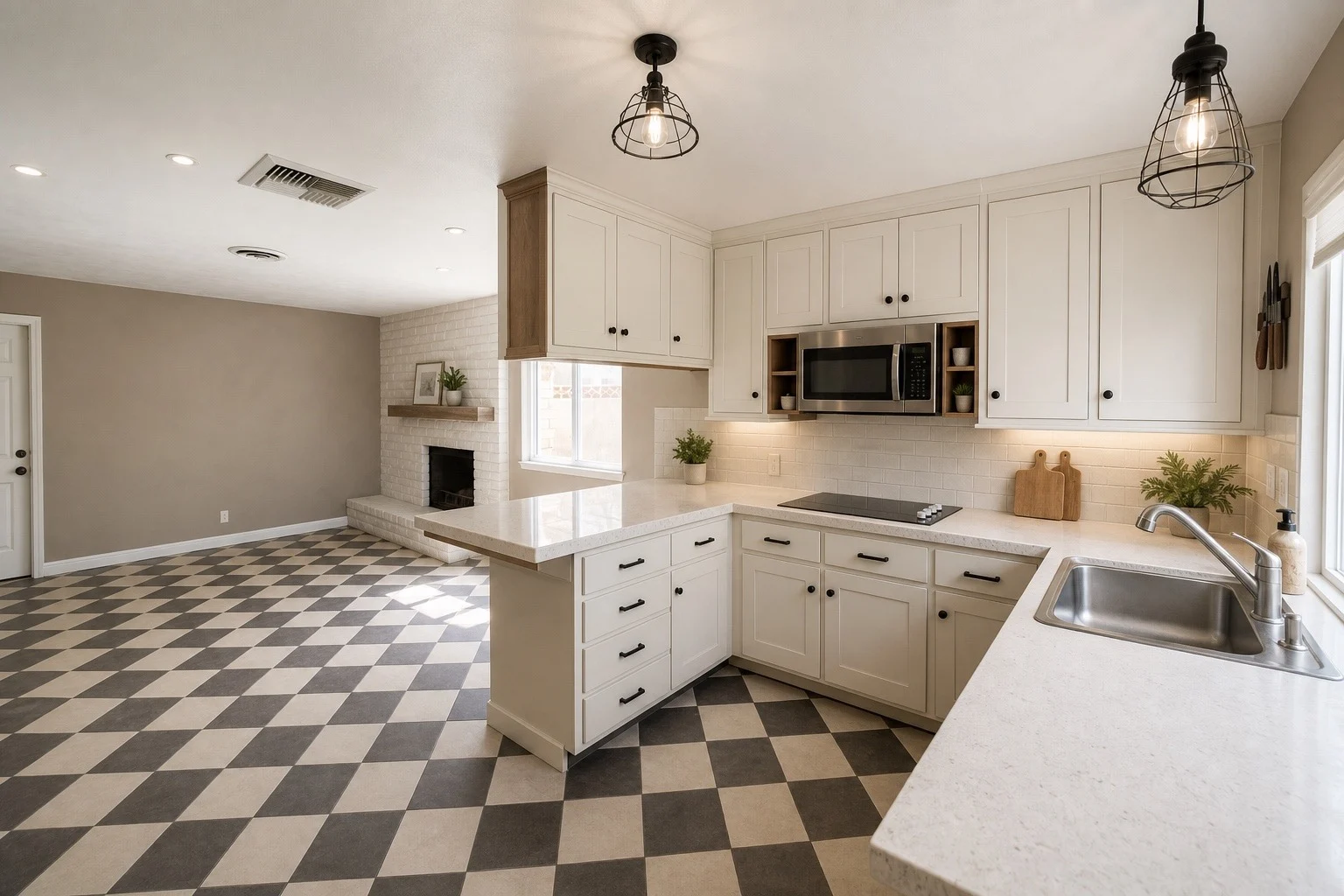
See the difference between Balanced and Bold
Compare the original kitchen with Balanced and Bold previews to choose how much change fits your remodel direction.
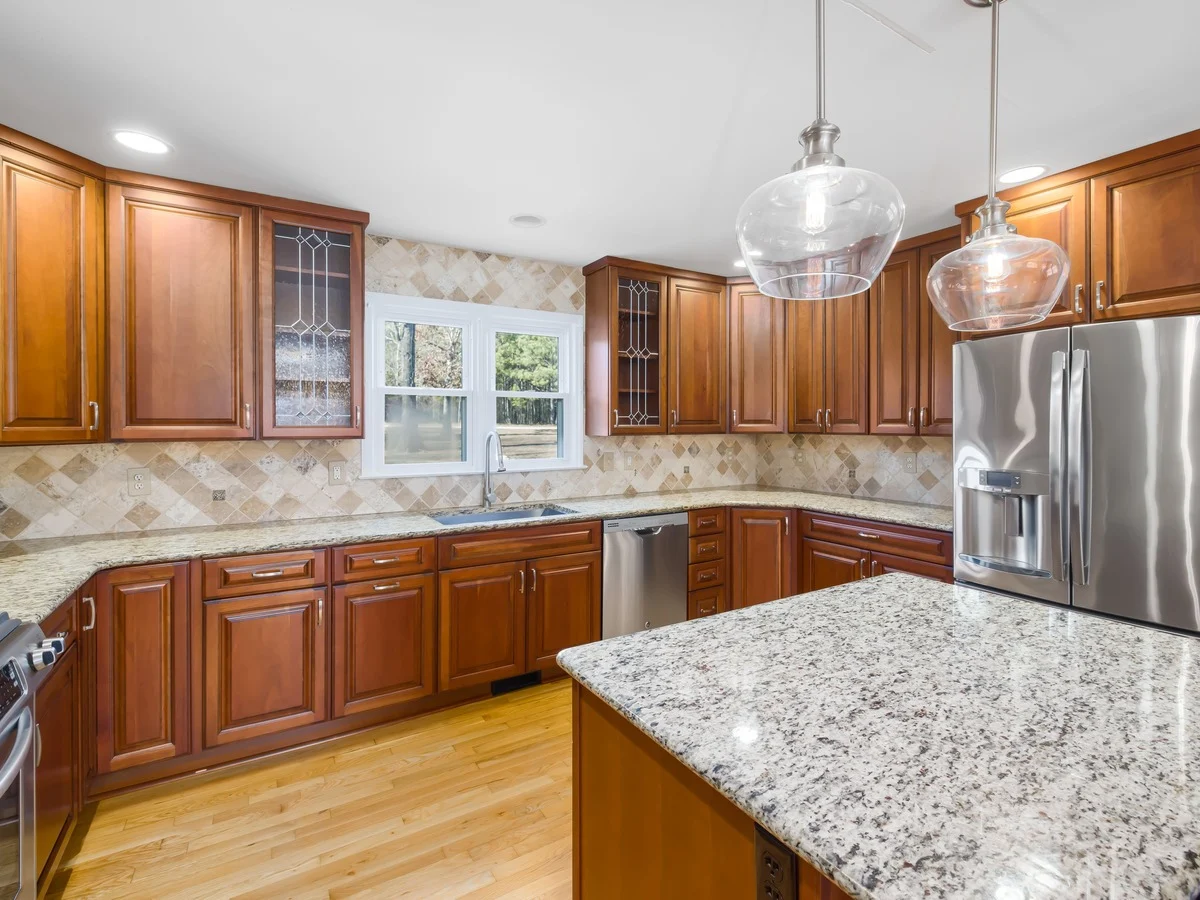
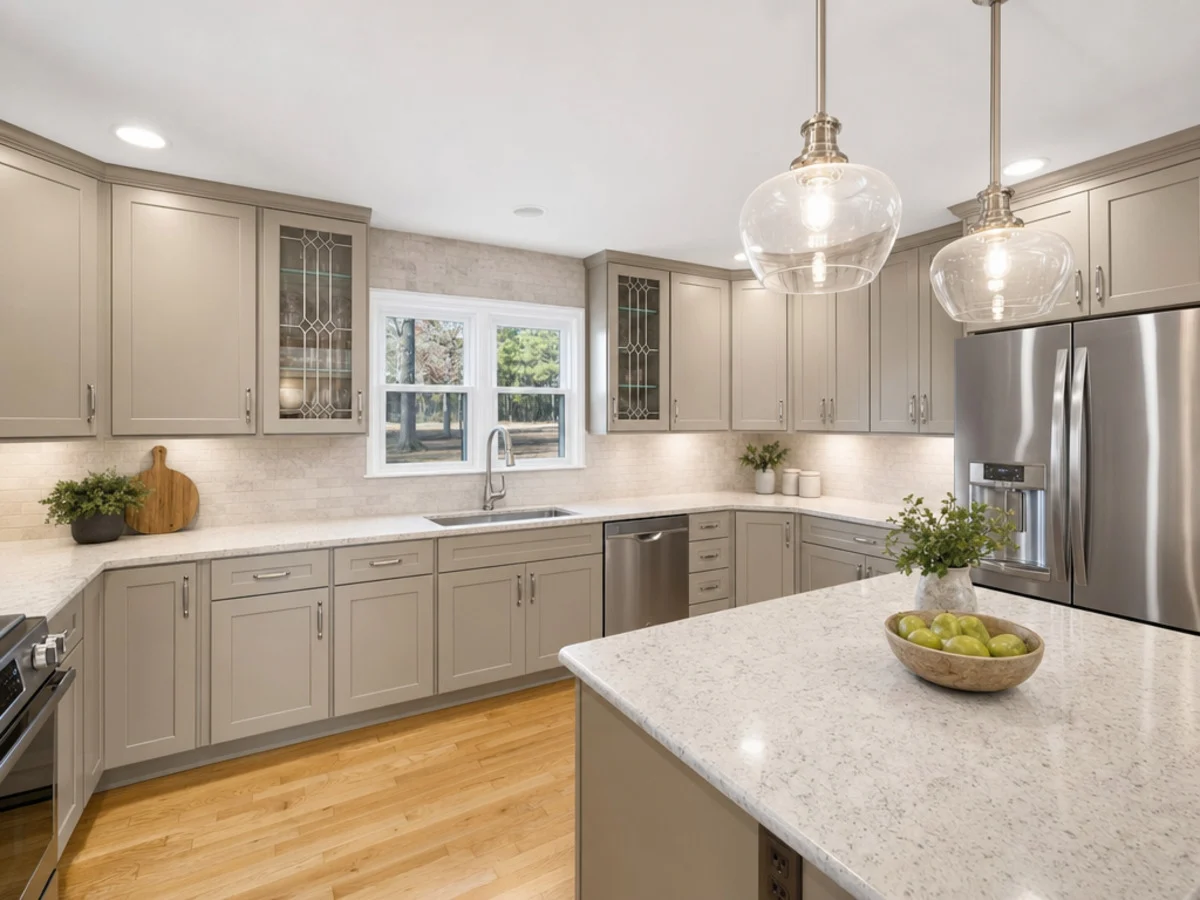
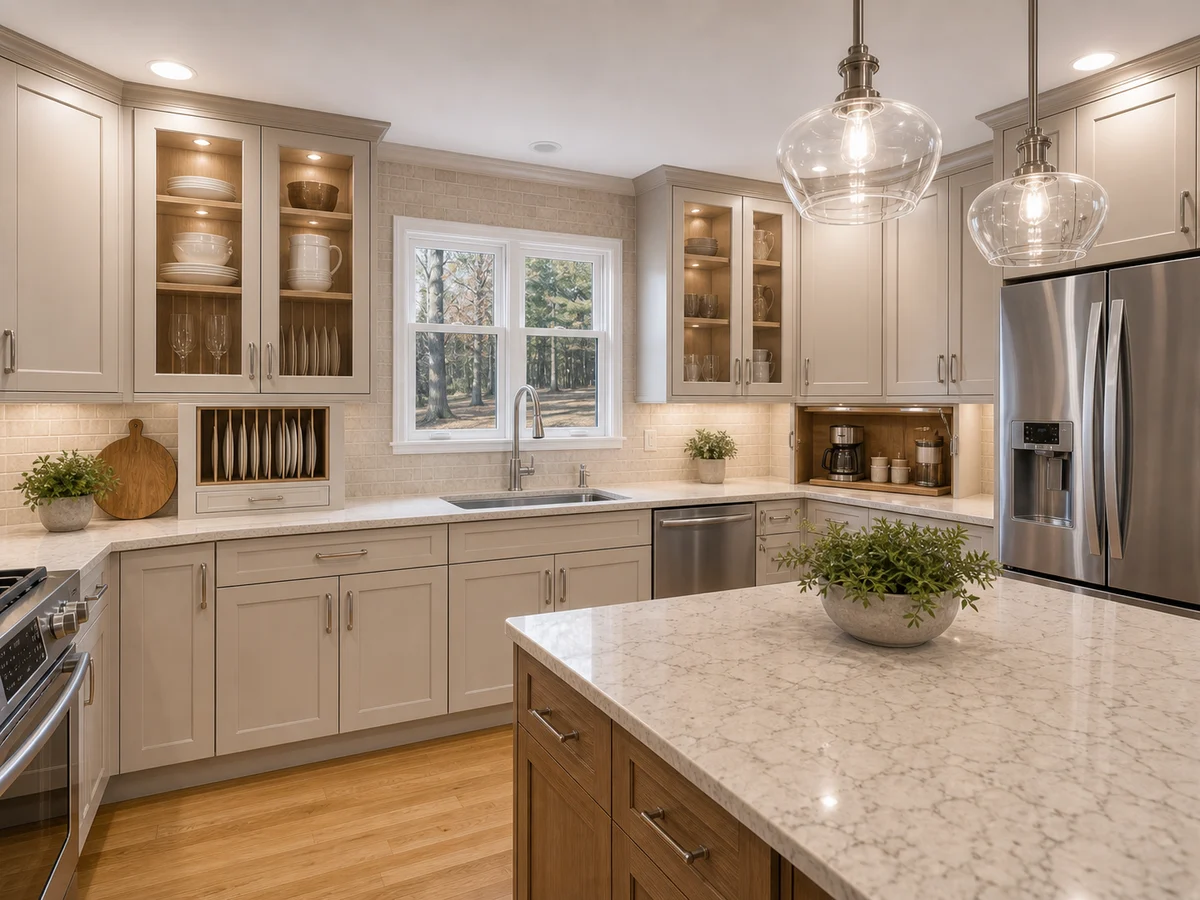
Before and after AI kitchen design examples
Compare original kitchen photos with AI kitchen design previews across compact, galley, and U-shaped layouts.
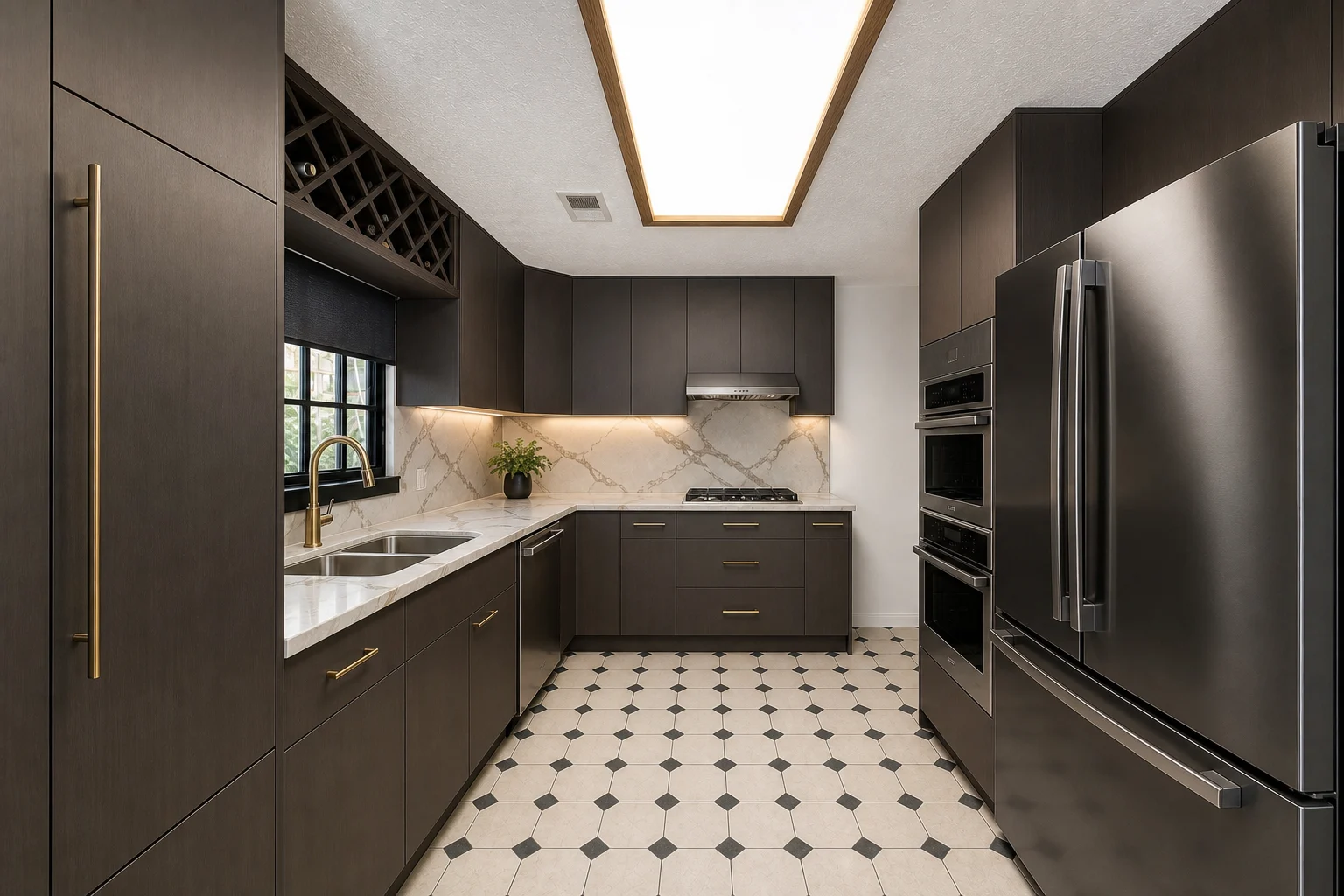
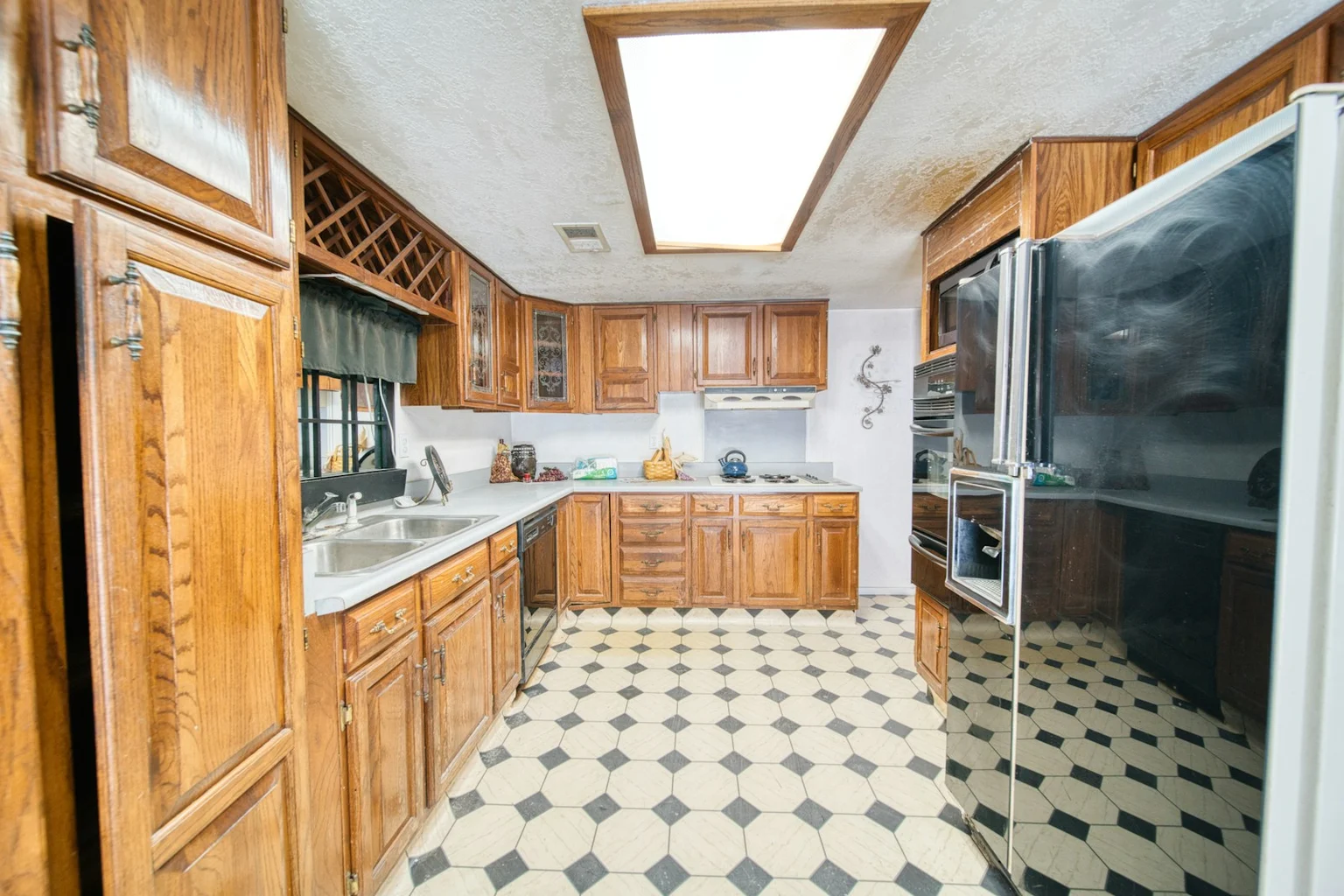
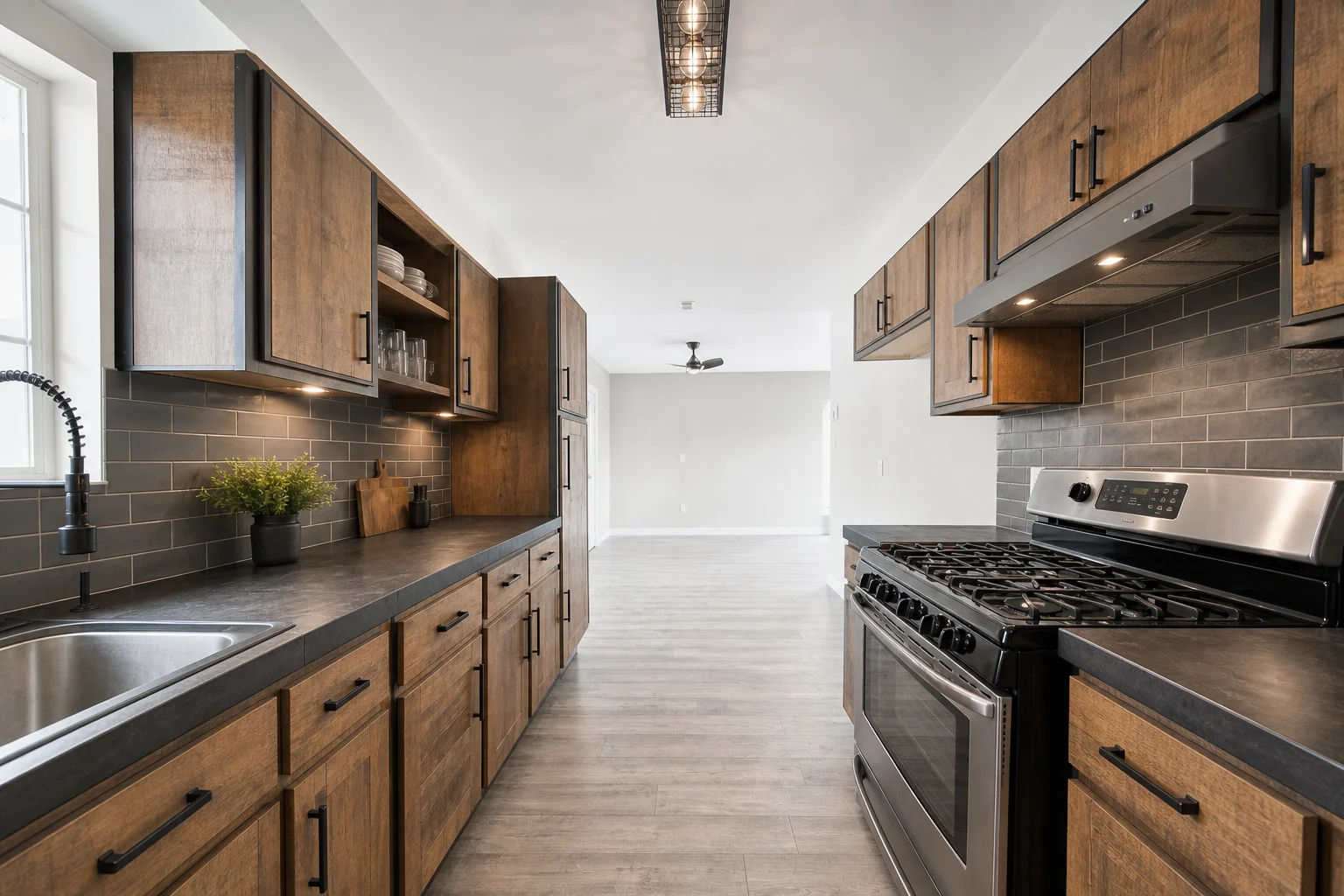
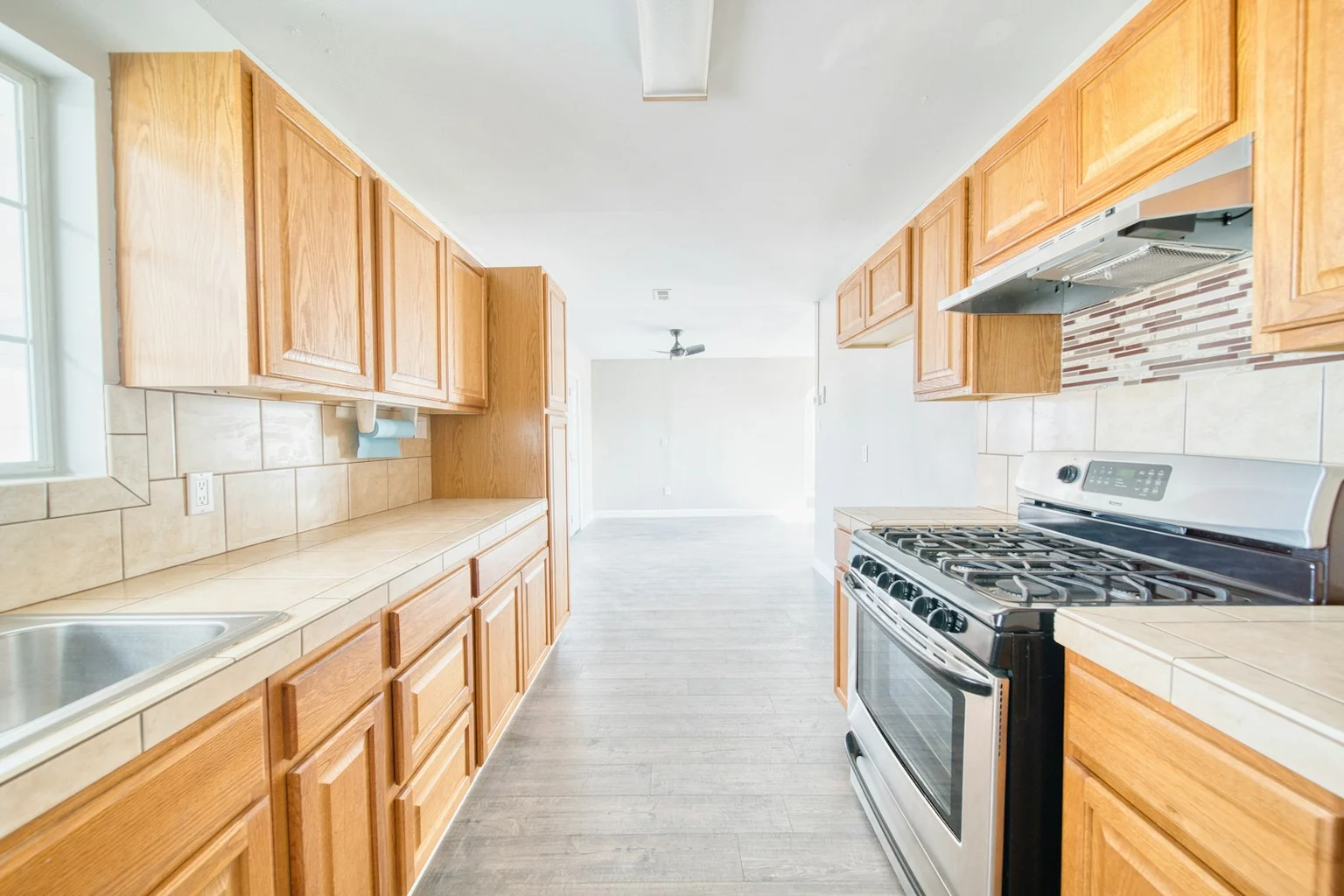
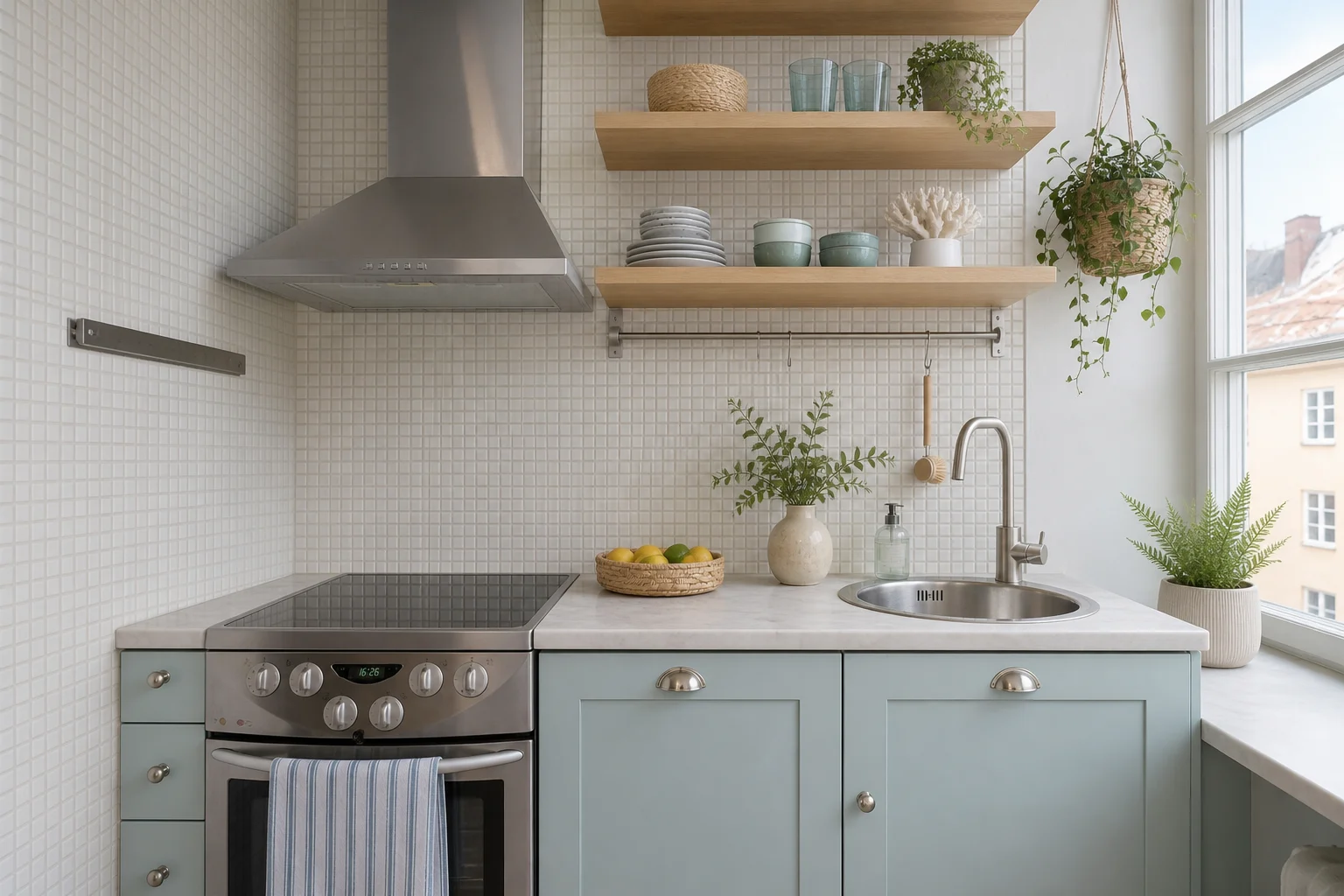
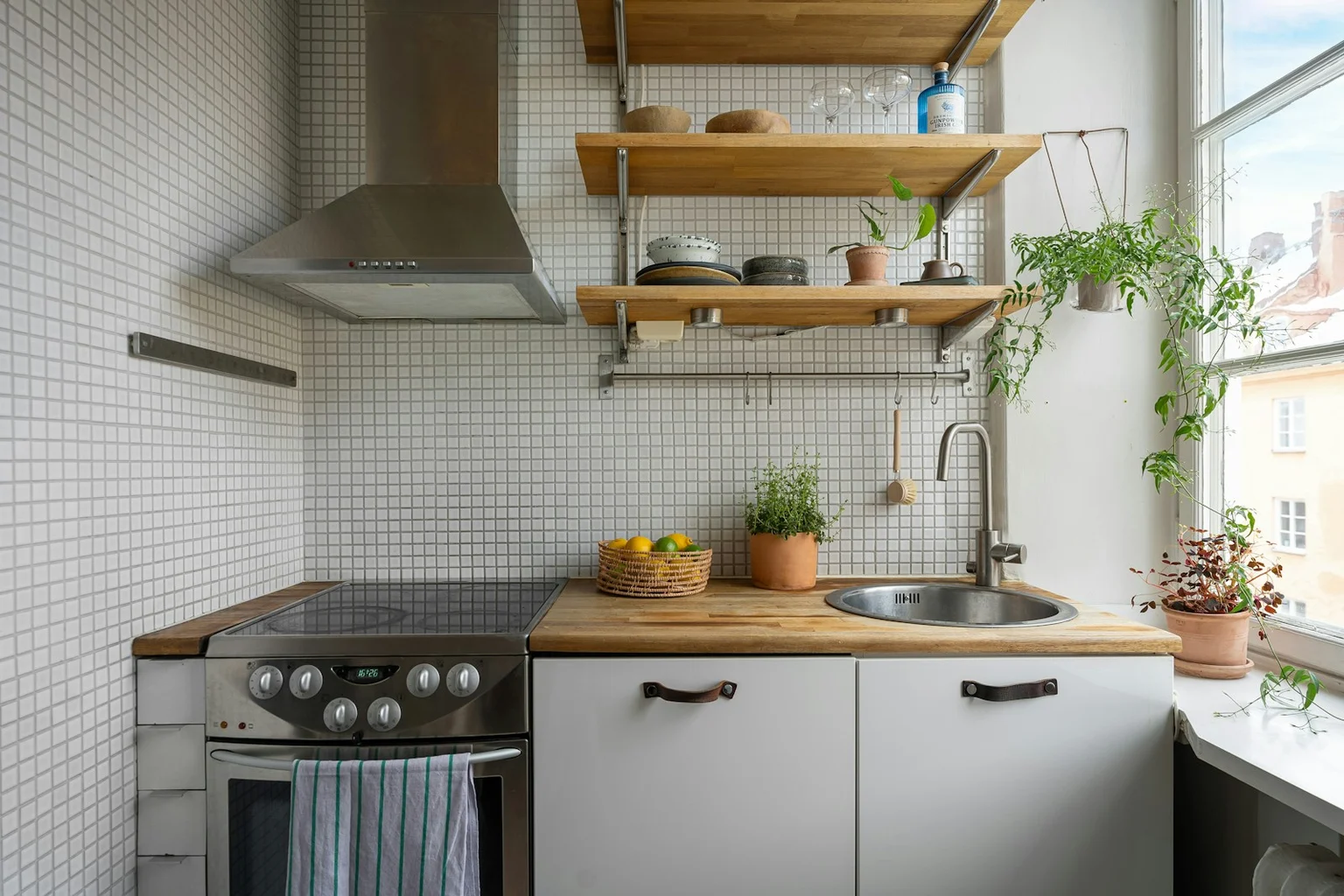
Before and after AI kitchen design examples
Compare original kitchen photos with AI kitchen design previews across compact, galley, and U-shaped layouts.
What to expect from your AI kitchen preview
Kynelio helps you explore visual remodel concepts from your photo. It is not a construction or measurement tool.
Starts from your kitchen photo
Your preview is generated from the image you upload, not from a random kitchen prompt.
Keeps the kitchen recognizable
Balanced Redesign is designed to preserve the main layout while updating style and finishes.
Visual concepts, not construction plans
Use results for early remodel direction, not exact measurements, permits, or contractor-ready drawings.
Private photo handling
Uploaded photos are used to generate previews and handled according to the Privacy Policy.
Credit packs for kitchen previews
Start free, then buy one-time credit packs. Paid users get HD previews and clean downloads; bigger packs lower the cost per preview.
One wrong cabinet or countertop choice can cost hundreds. Previews cost a fraction of that.
Free
1 standard kitchen preview
- Watermarked download
- Choose one style direction
- Pick Balanced or Bold
- No floor plan required
Pro Pack
40 credits for kitchen previews
- Up to 20 standard or 10 HD previews
- Standard and HD preview options
- Clean downloads with no watermark
- Good for one kitchen remodel project
Max Pack
160 credits for kitchen previews
- Up to 80 standard or 40 HD previews
- Standard and HD preview options
- Clean downloads with no watermark
- Best value for comparing more remodel ideas
AI kitchen design FAQ
Answers to common questions about how Kynelio works, what it costs, and what to expect from your preview.
Yes. Upload a kitchen photo, choose a style and how much to change, and Kynelio generates an AI kitchen design preview for exploring early remodel ideas.